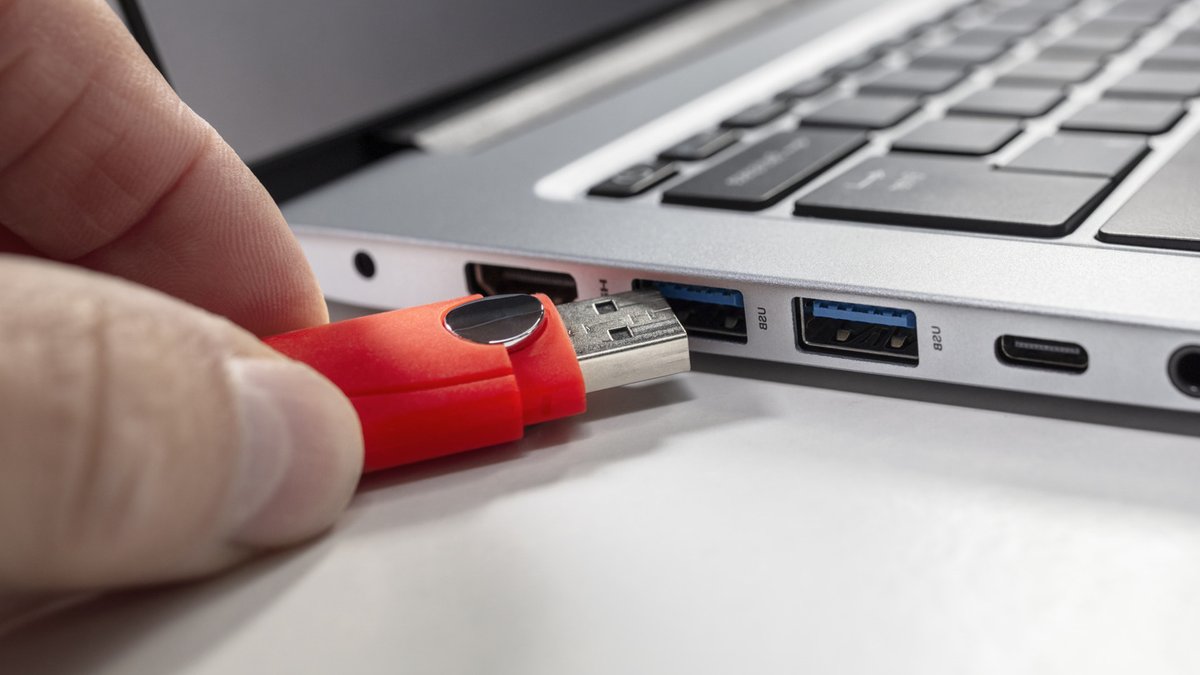
When it comes to cleaning your USB ports, it’s essential to do it safely to avoid damaging your devices. You probably don’t give much thought to cleaning your USB ports, but you really should. If you’re having problems powering or connecting your devices, there’s a decent chance a dirty charging port is to blame.
Dirty USB connections that have dust or lint inside them can lead to unstable connections or charges that drop out intermittently. That’s why it’s a good idea to check your devices’ USB ports every now and then to ensure dirt hasn’t built up inside.
Cleaning Your USB Ports
The first thing you should do before you clean your device’s USB port(s) is to power it down. When dealing with a desktop PC, make sure you unplug it from the wall. Once you’re confident your device isn’t getting any power, it’s then safe to go to work on its ports.
In terms of what you’re likely to have lying around your home, a plastic or wooden toothpick is your best bet for cleaning a USB port. This simple household item can easily remove lint that may be residing inside a port, though it’s essential you use toothpicks delicately when cleaning electronic devices.
Related: EU Criticizes TikTok Over Child Safety Measures
Don’t apply excessive force when brushing the inside of a port. Instead, use gentle thrusts to weed out any dirt or grime that may have gathered. If you want to go one step further, a can of compressed air can also be an effective tool for cleaning USB ports.
When to Clean Your USB Ports
As long as you take reasonably good care of your devices, you really shouldn’t need to clean USB ports all that often. Ports should only be cleaned if you can spot visible residue build-up (like dust or lint), or if you experience charging problems with a port.
If you find your smartphone not charging properly when it’s plugged in, for example, cleaning its port may resolve the issue. In the case of laptops, if certain USB accessories aren’t being detected, that’s also a sure-fire sign your ports could do with a little clean.
On the off chance you’ve recently been to the beach with your phone or tablet, you should also consider checking and cleaning your device’s charging port to ensure it hasn’t attracted any sand. Such maintenance can help prevent loose-feeling connections, which are a potential sign of excess dust inside your ports.
Related: Mozilla aims to build trusted AI data
Avoiding Harmful Cleaning Methods
There are a bunch of things you should never use for cleaning a USB/charging port. Chief among them is WD-40. Please resist the urge to use this lubricant with any electronic equipment. WD-40 can cause permanent damage to electronics, while it may also leave a residue that encourages dirt and dust to build up.
On a similar note, you should also steer clear of household cleaning sprays or bleach, as these substances can easily cause short circuits. It’s not just liquids that should be avoided; you also have to be careful with certain tools. Though cotton buds/Q-tips may seem like a cheap and effective item for scrubbing a USB port, in reality they can leave behind fibers in the connection that can negatively impact connector pins.
Avoid metallic tools when attempting to clean ports. Avoid paper clips and safety pins as these can also easily damage connector pins. By following these simple guidelines, you can keep your USB ports clean and functional, ensuring your devices stay connected and charged.


